




A TABLET POS
FOR CAFÉS WITHOUT A TILL
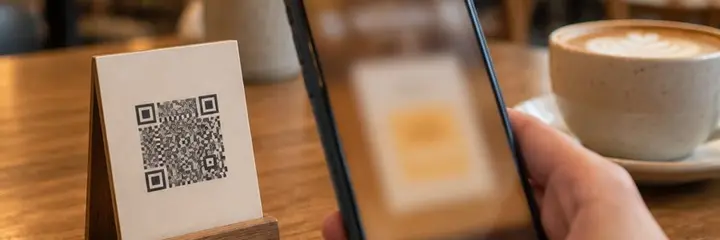
Tablet Kasa is Sadakio's till for cafés that have no till, and it runs on a tablet or a phone. Items come from your QR menu, the ticket stays open at the table, and each sale goes into revenue and stock. The guest's stamp is added at payment.
How does the tablet POS work?
Your QR menu becomes the till
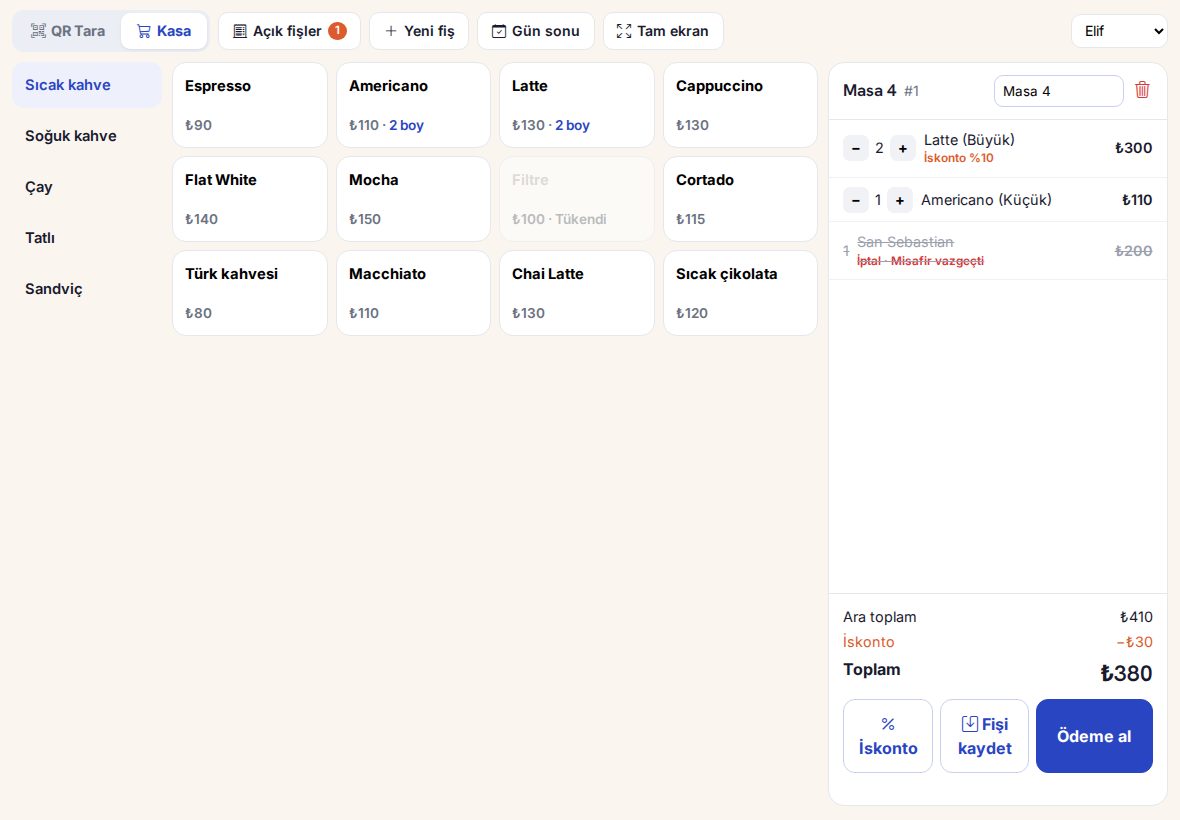
There is no separate product list. When you change a price on the menu it changes on the till too, and sold-out items appear greyed out.
Leave the ticket open at the table
“Save ticket”, then “Take payment”. Open tickets sit in one list, and the ones open longest come to the top.
Cash, card or split
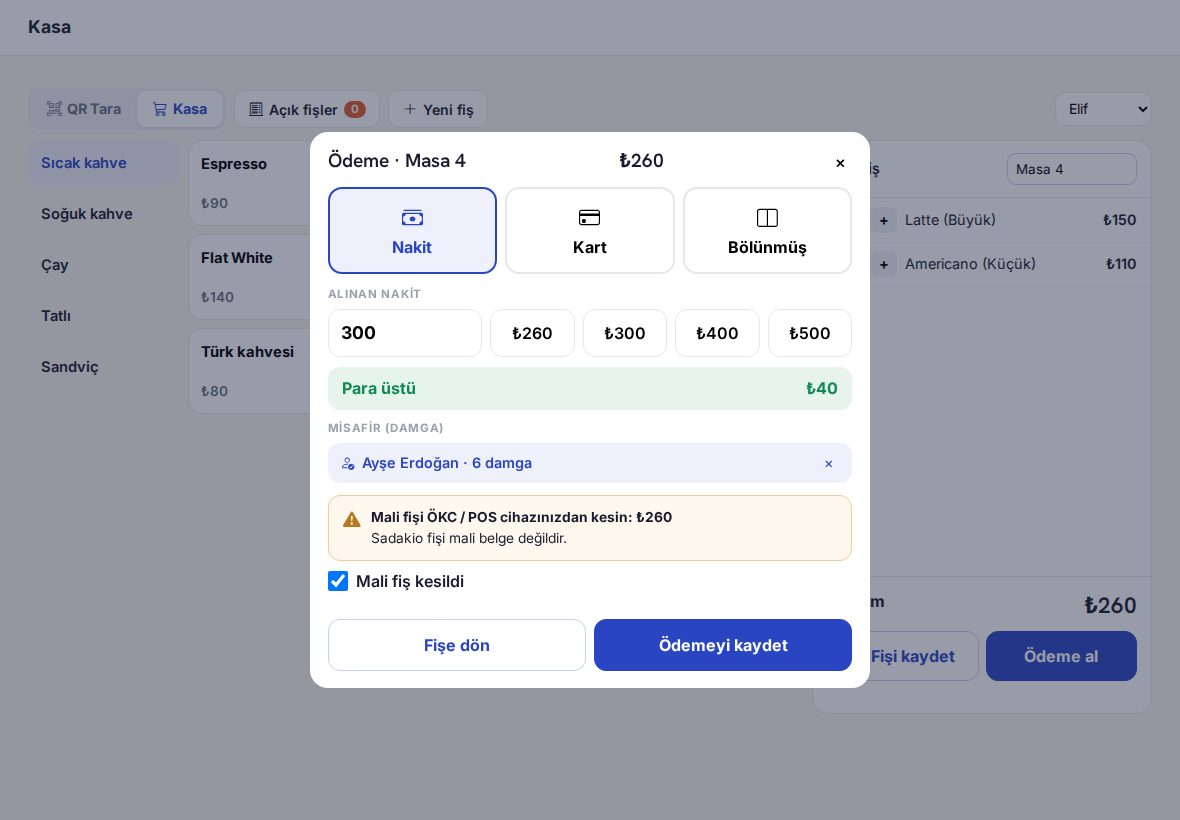
Change is calculated, a stamp is added to the guest's card, and the sale goes into revenue and stock.
What the till does
One tap
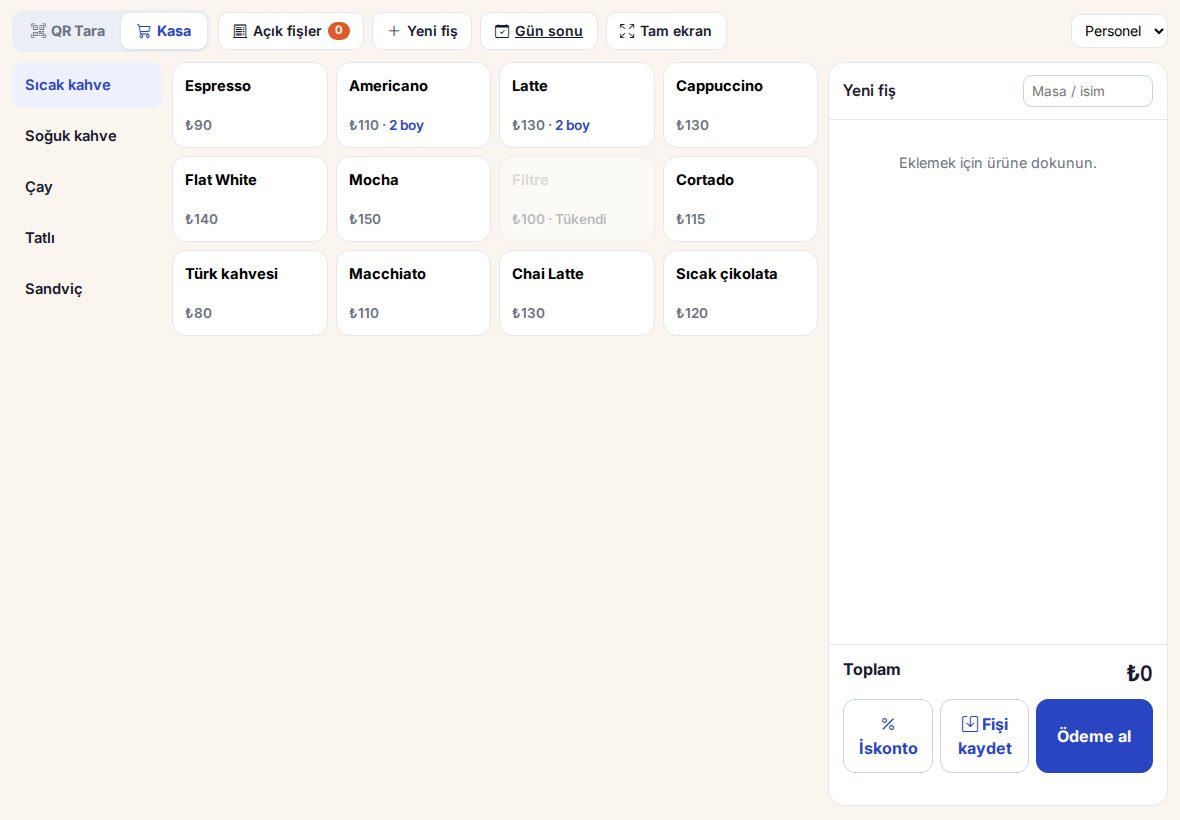
In till mode, one tap switches between Scan QR and the till. The till opens full screen.
Discounts
Your preset rates (5%, 10%, “Staff 50%”) or an amount or percentage entered by hand. On a line or on the whole ticket.
Voids
The reason and who voided it are recorded. A paid ticket can only be voided with the owner's PIN.
End of day
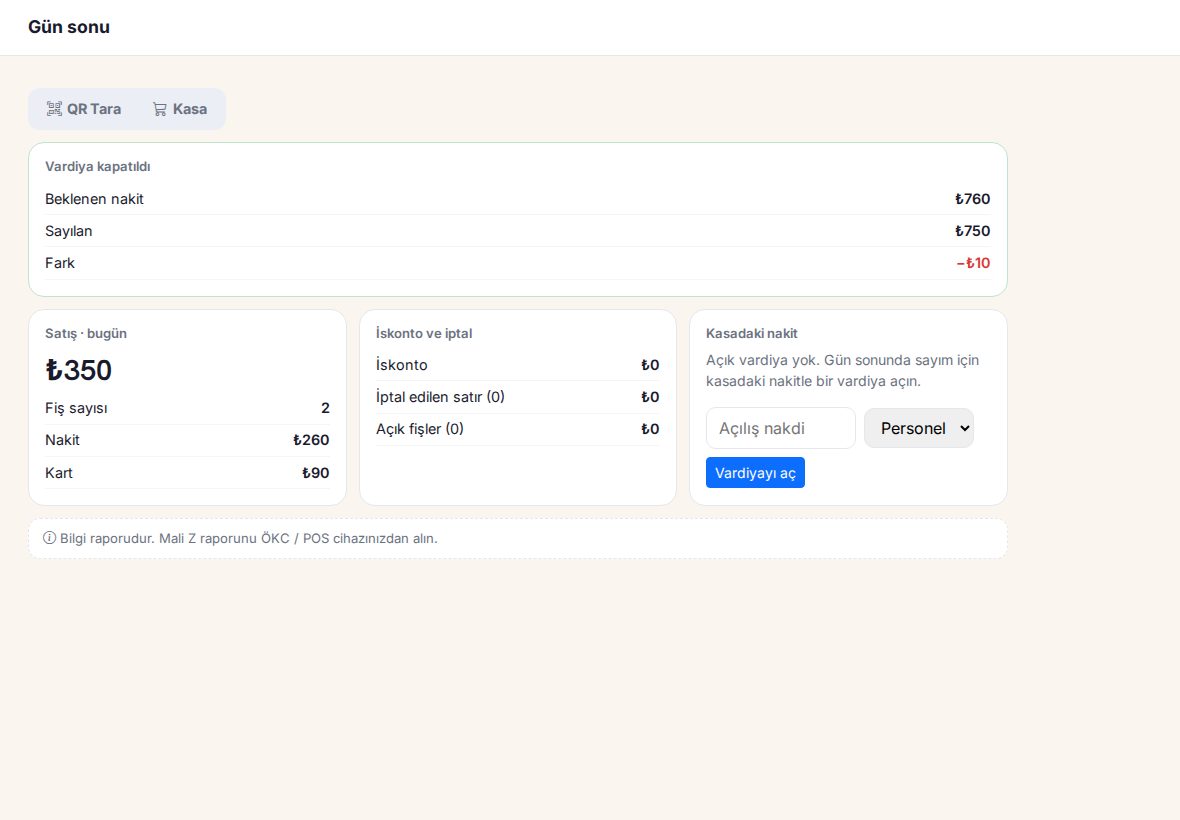
Open the shift with the cash in the till and count it at the end of the day. Expected cash and the difference are on screen.
Till report
Cash and card, sales by staff member, discounts and voids, closed shifts.
Stock
If inventory tracking is on, each sale is deducted from stock according to the item's recipe.
Where does the fiscal receipt come from?
The Sadakio ticket is not a fiscal document. You issue the fiscal receipt as usual from your fiscal cash register (ÖKC) or POS device. The payment screen reminds you of this on every sale and shows the amount.
Can a café without a till sell on a tablet? Read the guide (in Turkish) →
Open your tablet till
today
14 days free, +30 days after your first 20 stamps, no card needed. Add your QR menu and your till is ready.
Frequently asked questions about the tablet POS
Can a café without a till sell with a tablet?
Yes, orders, open tabs and payments can all be handled on a tablet. The fiscal receipt, however, is issued from a new-generation fiscal cash register (ÖKC) or an approved Android POS device. The Sadakio tablet till reminds you of this on the payment screen at every sale.
Do I need a separate device?
A tablet or a phone is enough. For the fiscal receipt you use the fiscal cash register (ÖKC) or POS device your café already has.
Does it work with my existing till?
Yes. If you have a till, Sadakio Bridge connects your till sales to Sadakio. The tablet till is for cafés that do not have a till.
How much is the tablet till?
The tablet till is included in Sadakio plans. The current plans are on the Pricing page.