
Poster Studio
campaign posters from your own photo
Poster Studio (Afiş Stüdyosu) is the AI poster maker inside Sadakio for cafés and small businesses. Give it a photo of your product and one sentence. Kio prepares the scene, and Sadakio lays out the text, your logo and the QR code. A poster you can hang on your door is ready in minutes.
A poster you will be happy
to put up
The AI only draws the scene. Sadakio places everything that has to be read.
Your own photo
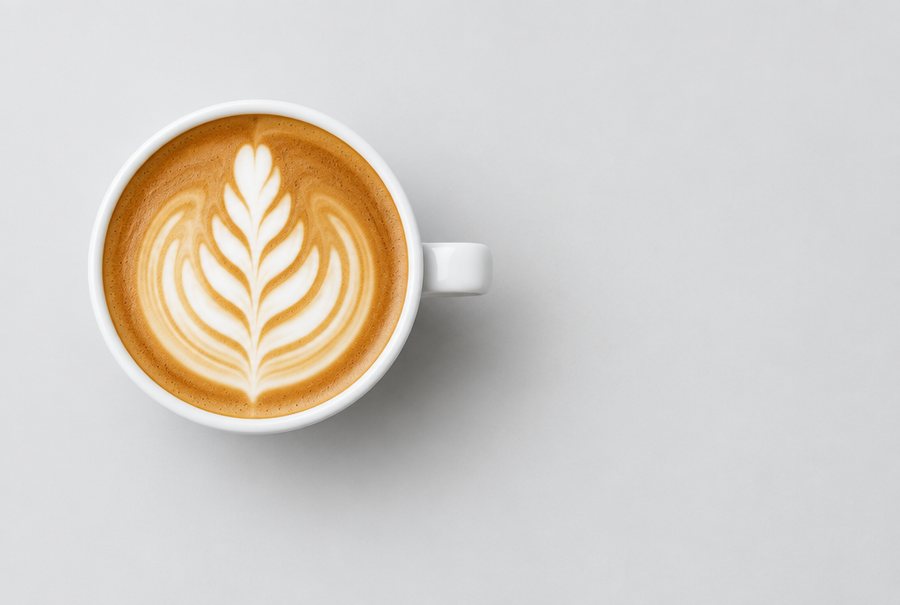
Upload a real photo of your product or pick the photo from your menu. Your product stays as it is, and Kio builds the scene around it.
Text stays intact
In precise mode, Sadakio places the headline, price, logo and QR code with its own typesetting. Turkish characters come out right.
You write the offer
Every sentence on the poster is yours and can be edited before you send it. If your sentence has a price, it appears on the poster exactly as written.
The QR code opens your menu
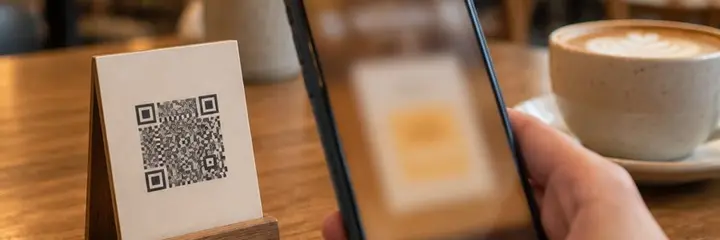
By default the QR code on the poster opens your QR menu. For a poster about your loyalty programme, you can choose your card page instead.
Your logo
There is no Sadakio logo on the poster. Your own logo or business name appears, and the poster belongs to your shop window.
Edits are free
The scene is generated once. Changing the text and laying out the poster again uses no extra credits.
How does Poster Studio work?
A photo and a sentence
Upload your product photo or pick one from your menu. Write in one sentence what you want the poster to say.
Kio builds the scene
Kio prepares a scene that suits your product. Sadakio places the text, logo and QR code.
Download and hang it
Download it as a story, post, A4 or A3. Share it or have it printed.
Poster Studio sits in the Marketing section of the panel and is currently offered as a Beta.
Questions about Poster Studio
How does Poster Studio work?
⌄
You upload a photo of your product or pick the photo from your menu, and write in one sentence what you want the poster to say. Kio prepares the scene. In precise mode, Sadakio places the headline, price, logo and QR code with its own typesetting.
What if I do not have a photo?
⌄
You can start without a photo. Kio draws the scene from your sentence. A real product photo usually gives a better result for food and drink, so we suggest that first.
Does a poster cost extra?
⌄
Generating the scene uses Kio credits. Changing the text and laying out the poster again uses no extra credits. You see your credit balance in the panel.
Which sizes can I download?
⌄
You download Instagram story and post sizes, plus A4 and A3 print sizes. The A4 and A3 files are 300 dpi, so the printer prints them at the right size.
Is there a Sadakio logo on the poster?
⌄
No. The poster belongs to your business. Your own logo or business name appears on it, and the QR code opens your menu or your card page.
Related pages
Make your first poster
today
14 days free, +30 days after your first 20 stamps, no card needed.