



QR code ordering
order from the table, no monthly fee
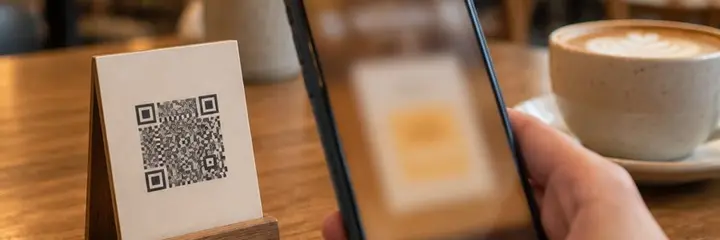
Sadakio QR ordering lets guests at cafés and restaurants order from your menu by scanning the QR code on the table, with no app to install. The order lands on your screen, and every order adds a stamp or points to the guest's card.
Orders without waiting for a waiter
and tickets without mistakes
Your menu is already in Sadakio. You do not set up a separate system for ordering.
A QR for each table
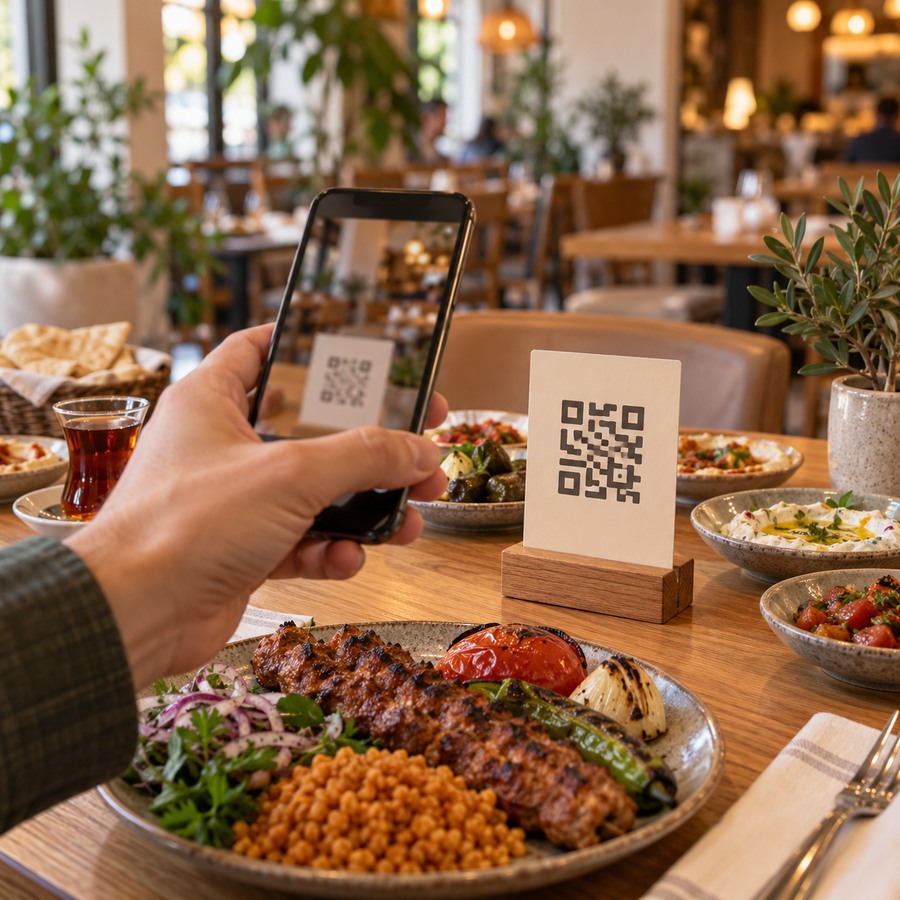
Every table has its own QR code. The order arrives with the table number, so you never have to ask who ordered what.
Instant notification
A new order reaches your phone as a notification, even when the panel is closed. If you use Adisyo, the order can also be sent to your till.
Status tracking
New, preparing, ready, delivered. The guest follows the status of their order live on their own phone.
Loyalty on every order
The guest types their phone number or scans their card. Once payment is confirmed, a stamp or points go on the card. The guest can ask for their reward with the order.
Payment at the till
The guest does not enter card details. You take the payment in cash or by card, and the order closes when you mark it “Paid”.
You stay in control
No orders come in outside your opening hours. At busy moments you pause ordering with one tap. Duplicate orders do not happen.
How does table ordering work?
The guest scans the QR
The QR on the table opens your menu. The guest picks items and options and sends the order.
The order lands on your screen
The order arrives with the table number. You prepare it, and the status updates on the guest's phone.
Payment and stamp
You take the payment and mark the order “Paid”. A stamp or points are added to the guest's card.
Ordering runs on the QR menu. When you update the menu, the ordering screen updates too.
Questions about QR ordering
Does the QR ordering system have a monthly fee?
⌄
No. QR ordering has no monthly fee. A small commission for each order that is delivered and paid is billed once a month. The current amount is shown on the Pricing page and on the subscription screen in your panel.
How does the guest pay?
⌄
Payment is taken as usual at the till or at the table, in cash or by card. The order arrives as “waiting”, and you mark it “Paid” when you take the payment. In a self-service setup the guest pays at the till first.
How does the order reach us?
⌄
The order lands on the orders screen in your panel with the table number. You get a notification on your phone even when the panel is closed. If you use Adisyo, you can also turn on sending orders to your till.
Can the guest see the status of their order?
⌄
Yes. After ordering, the guest sees a status page. The preparing, ready and delivered steps update without reloading the page.
How does the loyalty card work with orders?
⌄
The guest types their phone number or scans their card. When you confirm the payment, a stamp or points are added to the card once. The guest can also carry on without the bonus if they prefer. They can ask for a reward they have earned with the order and use it at the till.
Can the same order arrive twice by mistake?
⌄
No. Repeated taps and dropped connections do not create duplicate orders. Prices are always recalculated on the server, and no new orders are taken outside opening hours or while you have paused ordering.
Related pages
Start table ordering
today
14 days free, +30 days after your first 20 stamps, no card needed.