





GROW YOUR REVENUE
WITHOUT EXTRA SPEND
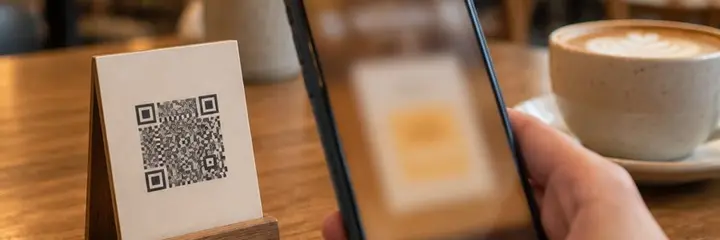
Finding new customers is expensive. Sadakio analytics is a panel for cafés that shows which guests are drifting away. Kio, the AI assistant, suggests a way to win them back, and you apply it with one tap. Your revenue grows from the guests you already have.
From data to decision:
how it works
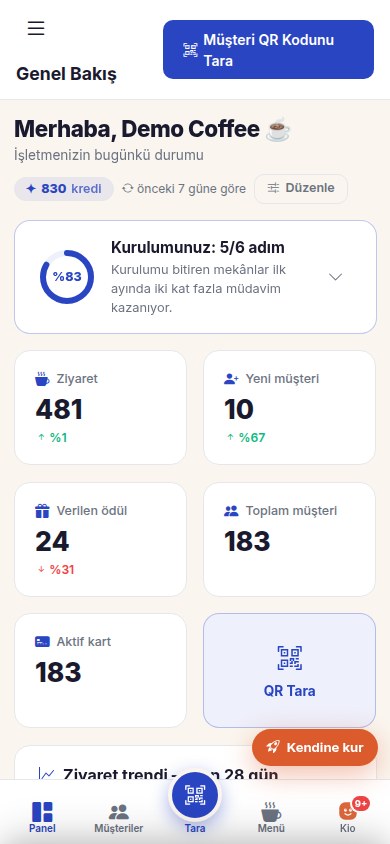
Data builds up on its own
Every QR scan is recorded as a visit. When Sadakio works with your till, data also comes straight from your till. You do nothing extra.
The panel shows you
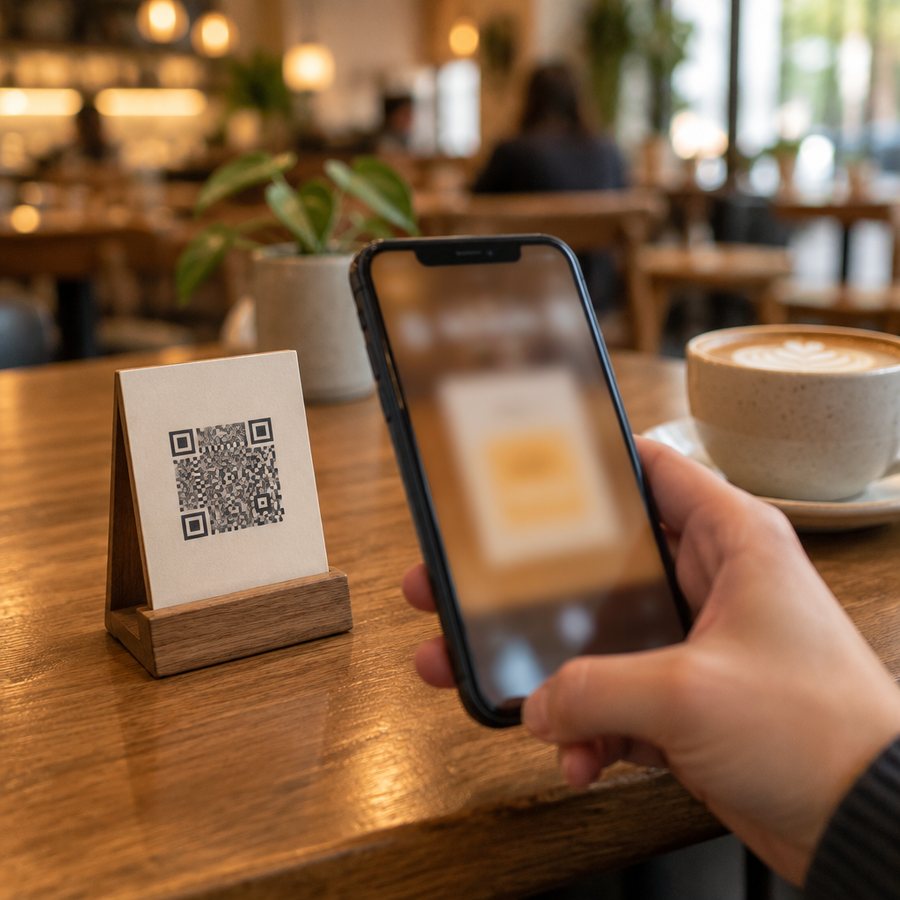
How many guests came back and how the regulars trend is going. All on one screen.
Kio makes suggestions
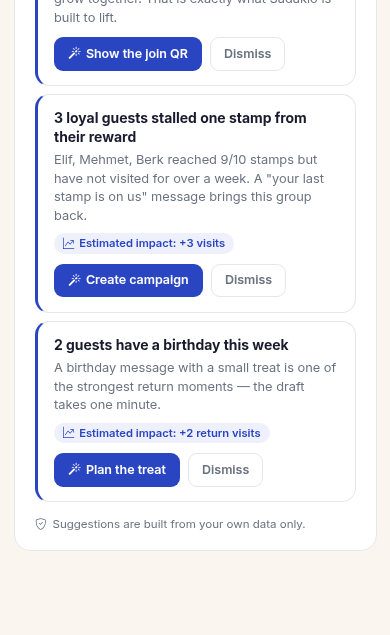
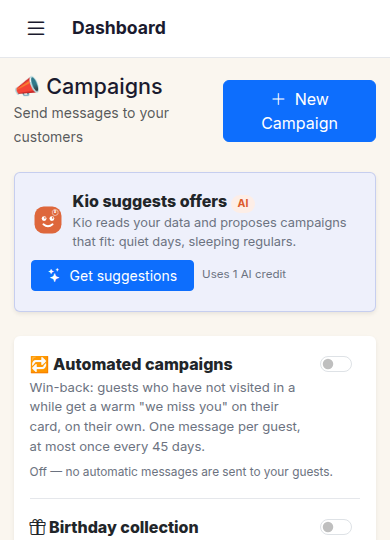
Guests who have gone quiet, upcoming birthdays, campaign opportunities. The suggestion comes ready, and the approval stays with you.
You apply it with one tap
You approve the campaign and the message goes out. You see the result in the panel too.
What you see
in the panel
Return rate
How many of your guests came a second time and where your regulars rate is heading. A weekly trend view for young cafés.
Guest list
Each guest’s visit count, last visit and reward status. Phone numbers appear masked in the panel.
Quiet guests
The panel flags guests who have not come for a while. Kio prepares the win-back campaign and you approve it.
Birthday calendar
Upcoming birthdays in the panel. A gesture message goes out and your guest comes back for the celebration.
The numbers
Make decisions with data,
not gut feeling
14 days free, +30 days after your first 20 stamps, no card needed. See who comes back from the first week.
Frequently asked questions
about analytics
What data does the café panel show?
The café panel shows visits, the return rate, the guest list, campaign results and upcoming birthdays. Guest phone numbers appear masked in the panel. You can open the panel from your phone or your computer.
Does analytics need any extra setup?
No. Every QR scan is recorded as a visit automatically, and the panel fills up on its own. No separate device or data entry is needed.
What does Kio, the AI assistant, do?
Kio makes suggestions from your data: guests who have not come for a while, upcoming birthdays, campaign opportunities. It presents each suggestion with ready text, and you approve it with one tap. No message goes out without your approval.
Who owns my data?
Your data belongs only to you. Each business’s data is kept isolated and used only for your own campaigns. You can export or delete it at any time.